
Stay in the loop
See messages and replies without reaching for your iPhone.
Your groups, one glance away.
See your group conversations, browse topics, and send a quick reply without reaching for your phone.

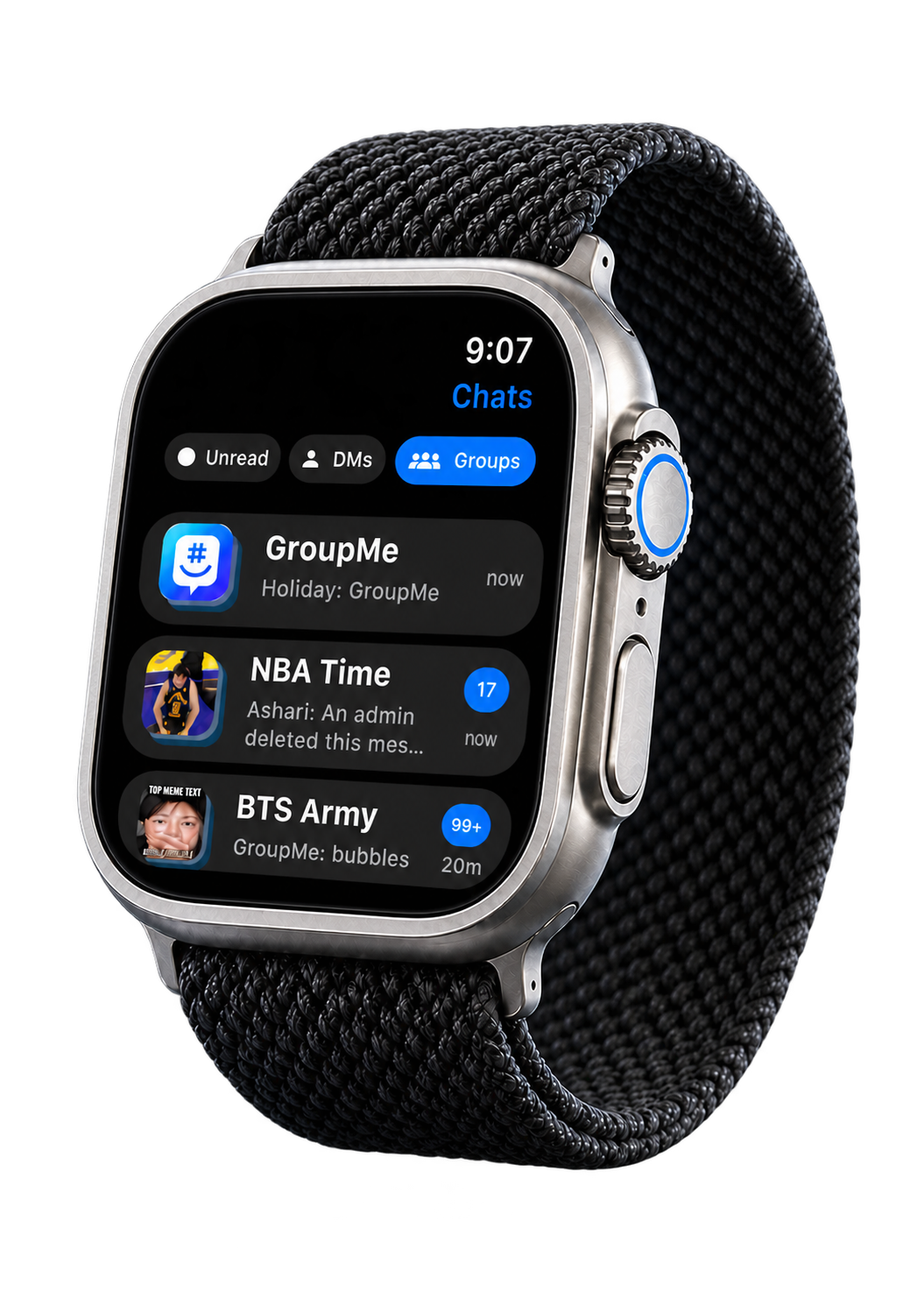
Made for a quick glance
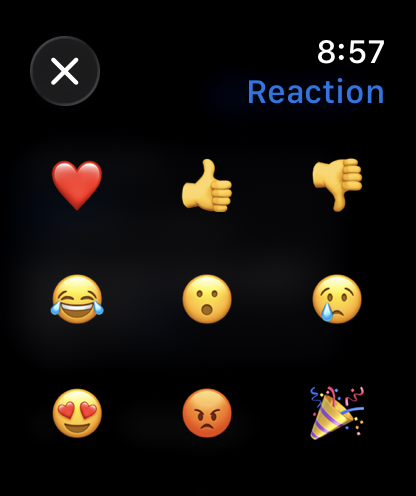

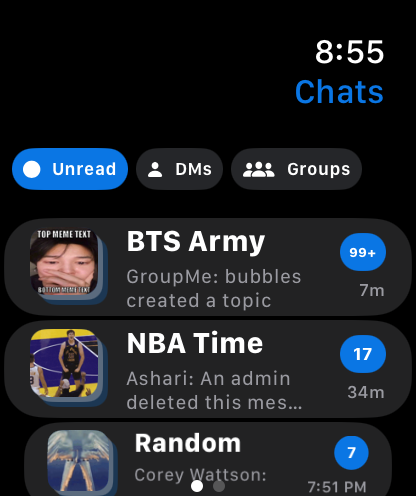
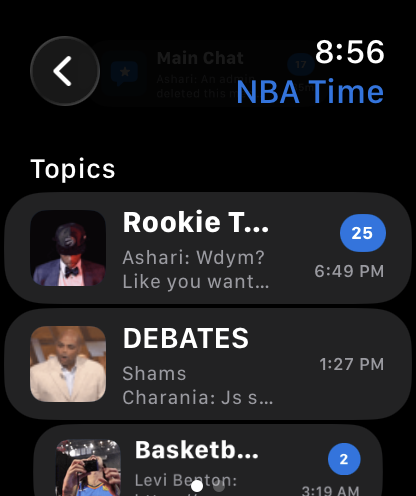
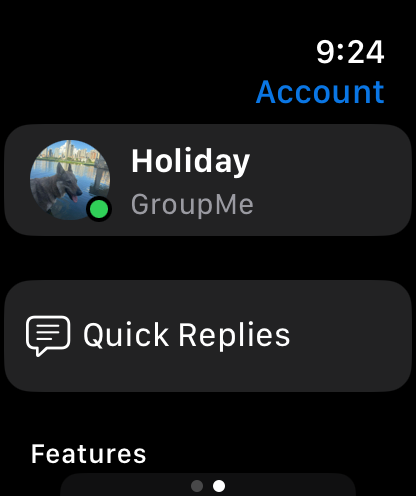
See messages and replies without reaching for your iPhone.
React, dictate, or use a quick reply right from your wrist.
Your conversations stay close to the devices you use.
How it works
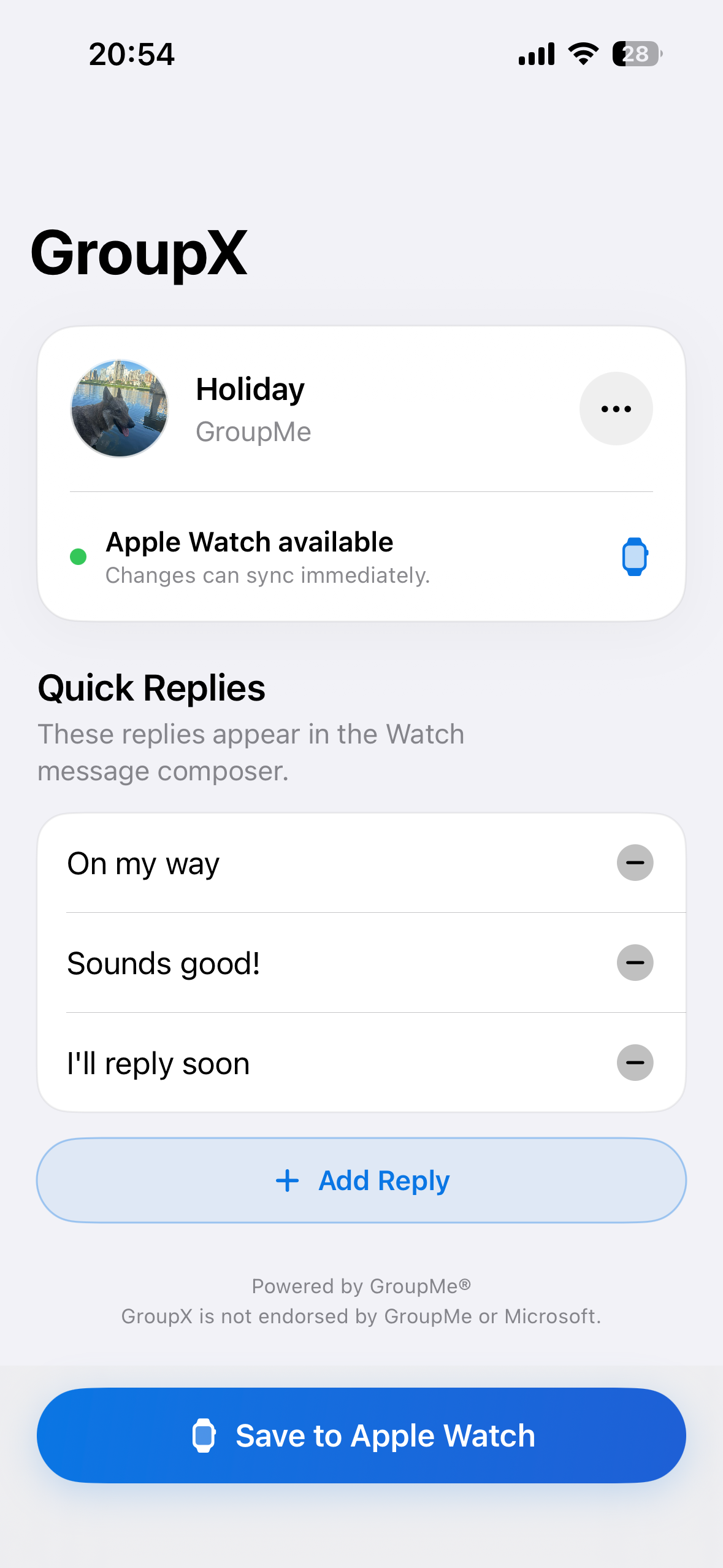
Connect GroupX to GroupMe on your iPhone, choose the groups you want, and start messaging from Apple Watch.
Need to know
GroupX uses the GroupMe account you authorize to let you send and receive GroupMe messages directly from your Apple Watch.
You only need your iPhone to sign in and complete setup. After that, GroupX can run independently on Apple Watch. If your Apple Watch has cellular service or a Wi-Fi connection, you can send and receive messages without your iPhone nearby.
You can browse groups, open topics, read messages, react, and send quick replies from your wrist.
GroupX is an independent app and is not endorsed by GroupMe or Microsoft.
Keep the conversation close, wherever the day takes you.